DESKTOP EDITION
Download SunEye-Media Code Master for compatible 64-bit Windows systems.
A lightweight, offline-friendly coding workspace with browser and Windows desktop modes.
System requirement: 64-bit Windows
File size: 147 MB
Start JavaScript, web, Python, or empty projects. Open local files and folders, organize files in the project explorer, and work across multiple editor tabs. Create, rename, move, copy, and delete project items; copy an entire project when needed.
Get syntax colorization for JavaScript, TypeScript, Python, HTML, CSS, and JSON, plus line numbers, cursor position, indentation, and matching brackets and quotes. Find and replace in a file, search across a project, quick-open files, and use HTML tag suggestions and starter markup.
Run JavaScript in a dedicated Web Worker with output in the console and a five-second limit for runaway scripts. Preview HTML in a sandboxed frame, including relative project images, and use the interactive JavaScript REPL to evaluate code or selected snippets.
The Windows desktop app includes an integrated PowerShell terminal with working-directory selection, command confirmation, output limits, and the ability to stop a running command. Language REPLs are available for Python, Node.js, PHP, PowerShell, Ruby, Java (JShell), and R when their runtimes are installed.
In the desktop app, folder-backed projects save directly to the selected computer folder. In browser mode, save or download files; Chromium-based browsers can grant folder access for working with local projects.
Ask Gemini for coding help and optionally include the active file when submitting a prompt. In the desktop app, the API key is encrypted with operating-system secure storage. Prompts and selected code are sent to Google only when submitted; suggestions do not edit files automatically. Browser mode does not store API keys.
This official SunEye-Media Code Master package is provided by SunEye-Media. Confirm that the downloaded file is approximately 147 MB before opening it. Install it only on a compatible 64-bit Windows computer.
A practical coding workspace for creating, editing, running, and previewing projects.
SunEye-Media Code Master is an offline-friendly code editor with project management, JavaScript execution, HTML preview, and an optional Gemini coding assistant. Browser mode provides code editing and previews, while the Windows desktop app adds local terminal and language runtime tools.
Use browser mode for editing, JavaScript execution, and HTML previews. Use the Windows desktop app when you need direct folder-backed projects, an integrated PowerShell terminal, or installed language runtimes.
To provide accessible, practical tools that help developers and learners build and explore software projects.
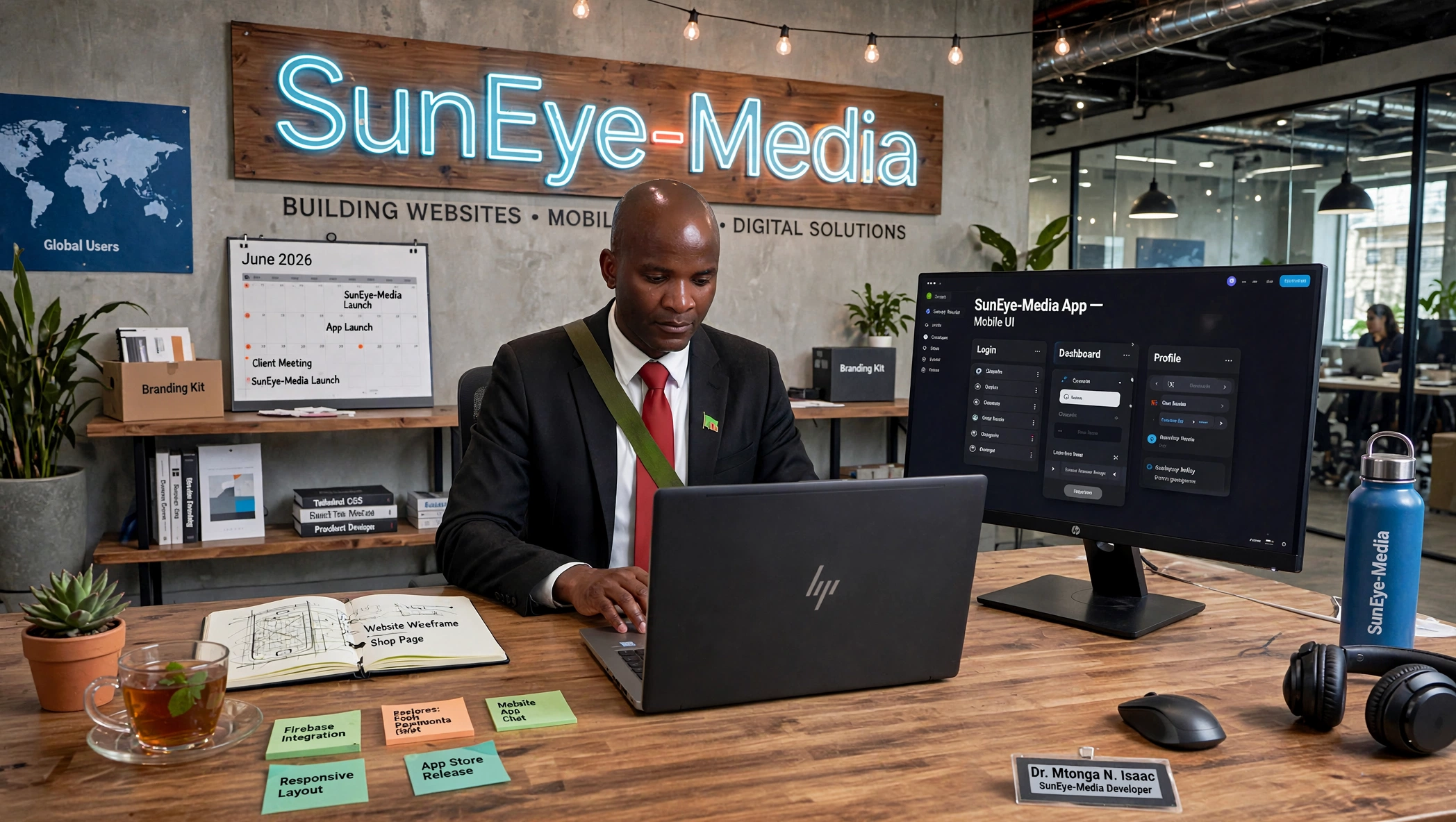
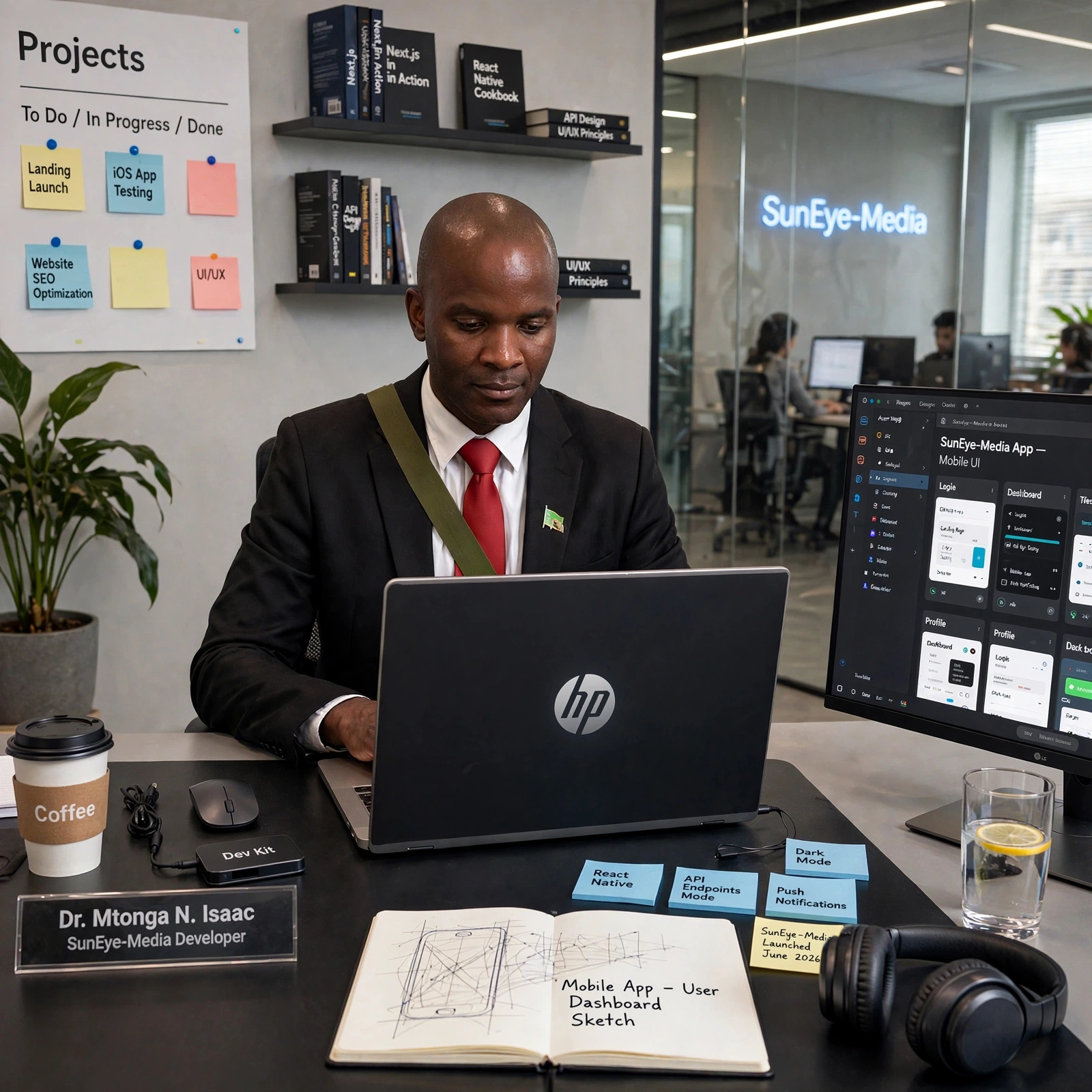
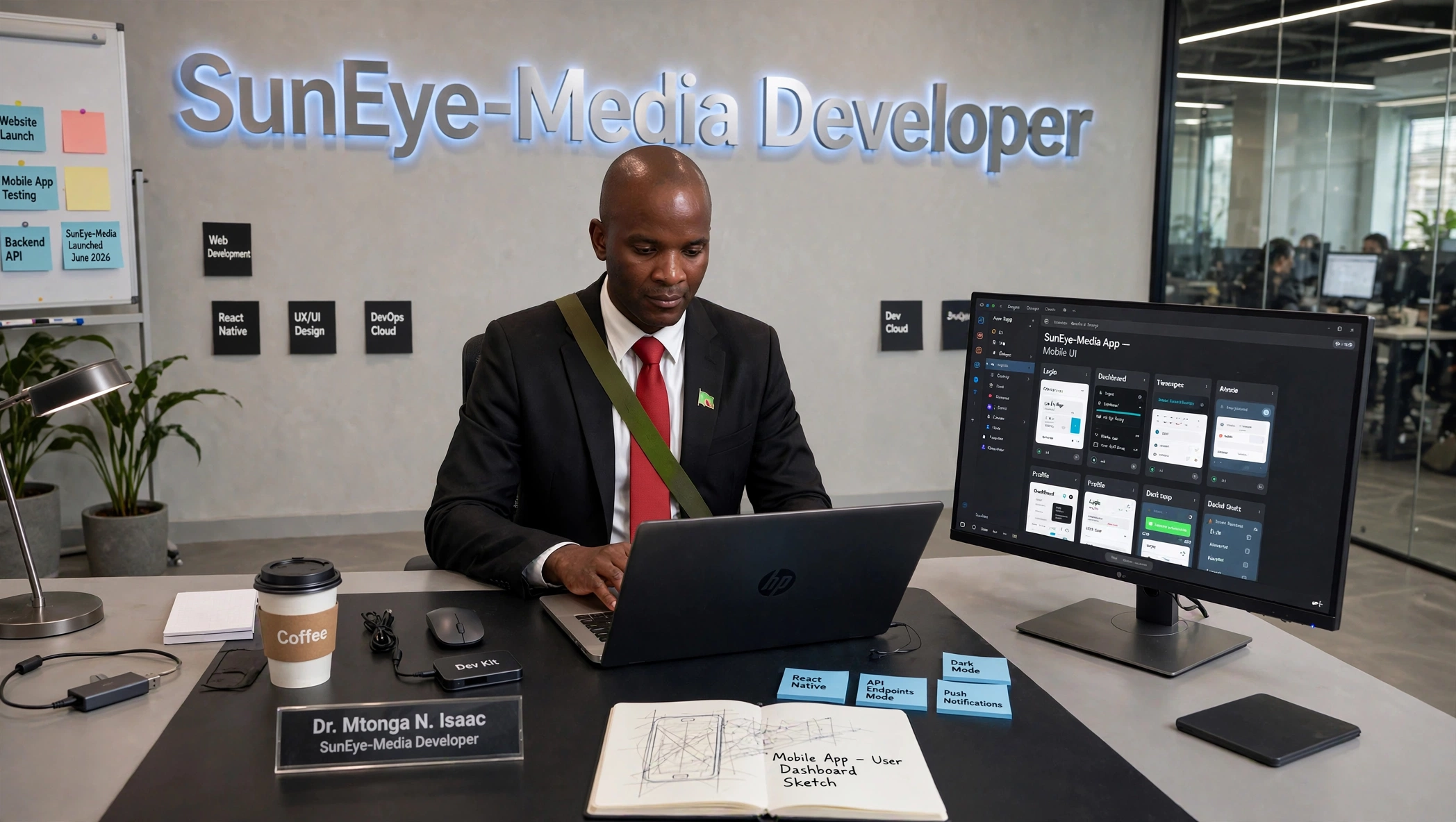
Dr. Mtonga N. Isaac
Founder & Lead Developer of SunEye-Media
Dr. Mtonga N. Isaac is a Lusaka-based software engineer, educator, and entrepreneur specializing in websites, software, and mobile applications. His journey reflects resilience, innovation, and a deep commitment to African digital empowerment.
On 2nd March 2026, Dr. Mtonga Isaac enrolled at Manda Hill Excellence Hub, a private college in Lusaka, for a one-year ICT course (concluding March 2027) to advance his programming skills while actively developing SunEye-Media.
Dr. Mtonga Isaac’s journey—from losing BlueEye to launching SunEye-Media—illustrates perseverance. He continues to refine SunEye-Media, ensuring stability and user satisfaction while building technology that empowers communities and inspires future innovators in Africa.
Connect: SunEye-Media Developer | Lusaka, Zambia
Visit our Official website: www.suneyemedia.com/developers
Ng'ombe Township
Lusaka, Zambia